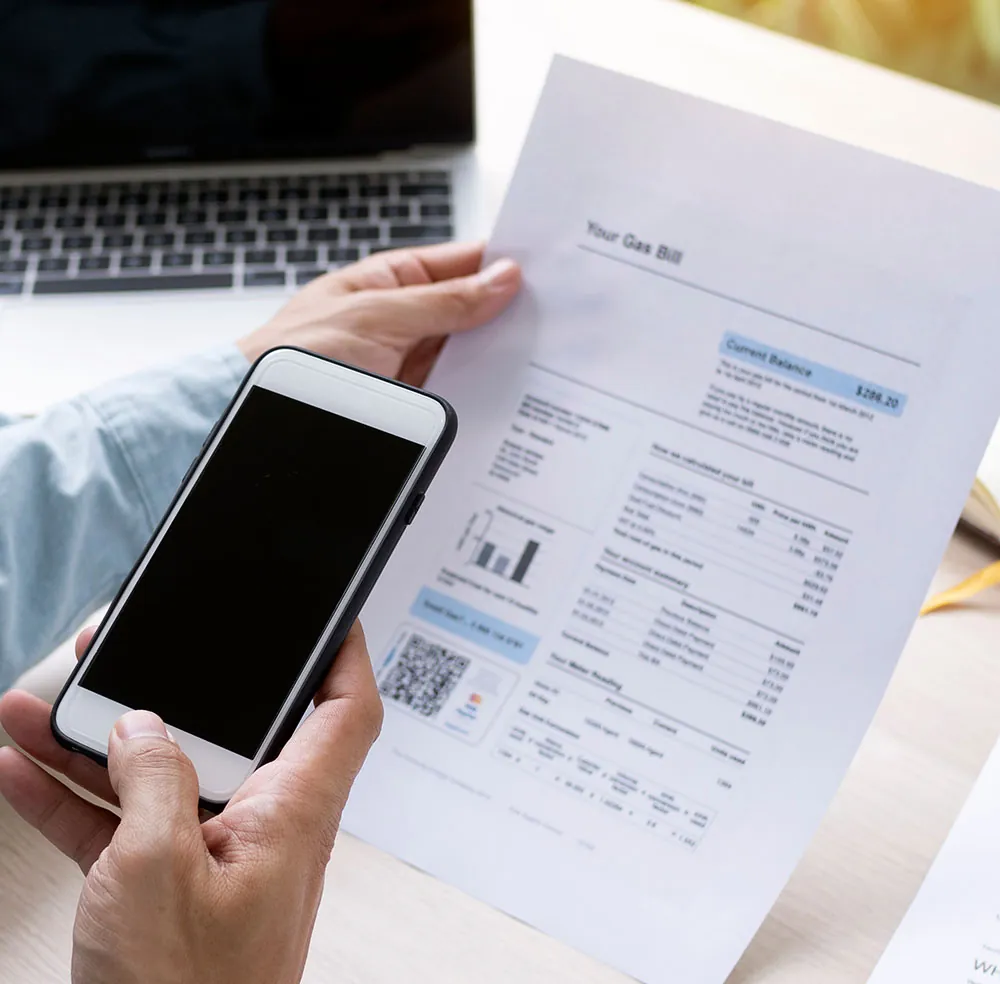
If you used Microsoft Lens (formerly Office Lens) to scan documents on your iPhone or iPad, you've probably noticed it's gone. Microsoft retired Lens in early 2026, and since March 9, 2026 it can't scan anymore, even if the app is still on your phone.
Microsoft's answer is to scan with the OneDrive app instead. That's fine if you already live in OneDrive, but it's a lot of app for scanning a receipt, and OneDrive can't save scans on your device. If you'd rather have a dedicated scanner that keeps your documents private, QuickScan is a good Microsoft Lens alternative.
What happened to Microsoft Lens?
Microsoft started retiring Lens on January 9, 2026 and removed it from the App Store and Google Play on February 9. Scanning kept working until March 9, 2026. Since then, the app can only open your old scans, and only if you're signed in to the account you last used in Lens. Microsoft now points people to the scanner in OneDrive (see Microsoft's retirement notice).
What made Microsoft Lens great
Lens earned its popularity. It offered:
- Automatic edge detection and perspective correction
- OCR (text recognition) for extracting text from images
- Whiteboard mode that cleaned up glare and shadows
- Table extraction to Excel
- Export to PDF, Word, and PowerPoint
- Integration with OneDrive
- Free to use
QuickScan covers most of that list: automatic edge detection, text recognition, searchable PDFs, tables to Excel, saving to OneDrive, and it's free. It doesn't export to Word or PowerPoint, so keep that in mind if you relied on it. It also adds a few things Lens never had.
QuickScan vs Microsoft Lens: feature comparison
| Feature | Microsoft Lens (iOS) | QuickScan |
|---|---|---|
| Available on iOS | Discontinued | Yes |
| Price | Was free | Free (donation-based) |
| Data collection | Yes (Microsoft account required) | None. Zero data collection. |
| Automatic edge detection | Yes | Yes |
| OCR text recognition | Yes (cloud-based, thus sending your documents to someone else's servers) | Yes (100% on-device) |
| Searchable PDF export | Yes | Yes |
| Table extraction to Excel | Yes | Yes |
| Digital signatures | No | Yes (finger or Apple Pencil) |
| Automation / auto-filing | No | Yes (Export Favorites, Shortcuts) |
| Cloud upload | OneDrive only | iCloud, Dropbox, OneDrive, Google Drive, WebDAV, pCloud, NextCloud, Synology, SMB, Paperless-ngx, Email |
| Password-protected PDFs | No | Yes |
| Face ID / Touch ID lock | No | Yes |
Where QuickScan is different
Your documents stay on your device. Scanning, text recognition and file processing all happen on your iPhone or iPad. There's no account to create, nothing leaves the device unless you export it yourself, and it works without an internet connection. The recognized text is embedded in your PDFs, so you can search them and copy text out of them later.
You choose where your scans go. Besides OneDrive, QuickScan can send documents to iCloud Drive, Dropbox, Google Drive, WebDAV, pCloud, Nextcloud, a NAS or Synology, an SMB share, Paperless-ngx or email. With Export Favorites, each destination keeps its own settings (file name, format, colors), and a widget or Shortcut can start a scan that's filed automatically when you tap Save.
You can sign and protect documents. Sign with your finger or an Apple Pencil, add a password to a PDF, and lock the app with Face ID or Touch ID.
It's made for iOS. QuickScan is built only for iPhone and iPad. One App Store reviewer mentioned its “lightweight and ‘default iOS’ feel”, and that's the whole idea.
How to switch from Microsoft Lens to QuickScan
- Download QuickScan for free from the App Store.
- If you still have Lens and can open your old scans, save the ones you want to keep as PDFs, for example to the Files app. You can import them into QuickScan, which can also run text recognition on existing PDFs.
- Scan your first document. Edge detection works right away, there's nothing to set up.
- If you like, create an Export Favorite for your usual destination (OneDrive, Google Drive, iCloud Drive…) so new scans are filed automatically.
You won't need to create an account or sign in.
Is QuickScan right for you?
If you want a free scanner that doesn't need an account, keeps your documents on your device and files them wherever you like, QuickScan is a good replacement for Lens. If you depended on exporting to Word or PowerPoint, or you also scan on Android, you'll need another tool for those parts.
QuickScan is rated 4.9/5 with over 32,000 ratings on the App Store and has been featured by Apple multiple times.
Continue reading: