

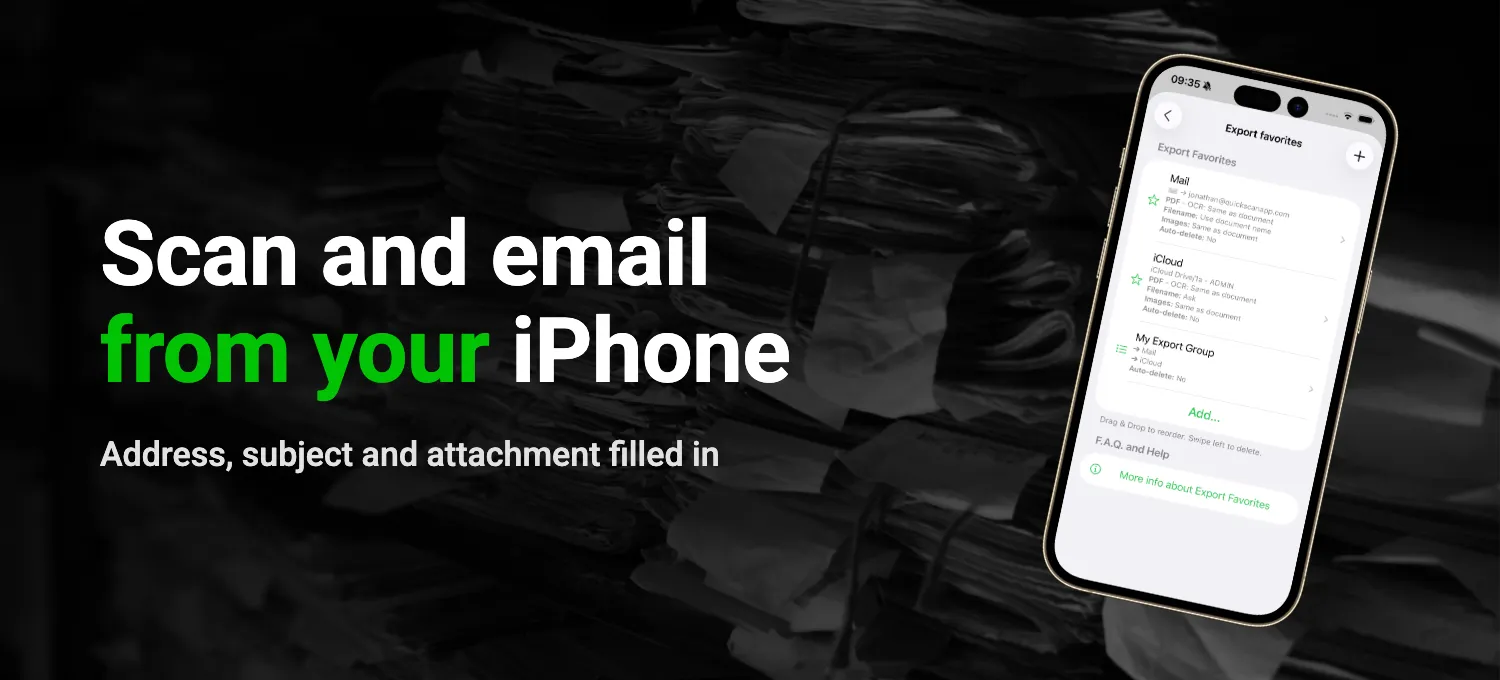
How to scan a document straight into an email with Mail, how to keep a copy with Files, what to do when it's too big, and how QuickScan fills in the email for you.
Guide
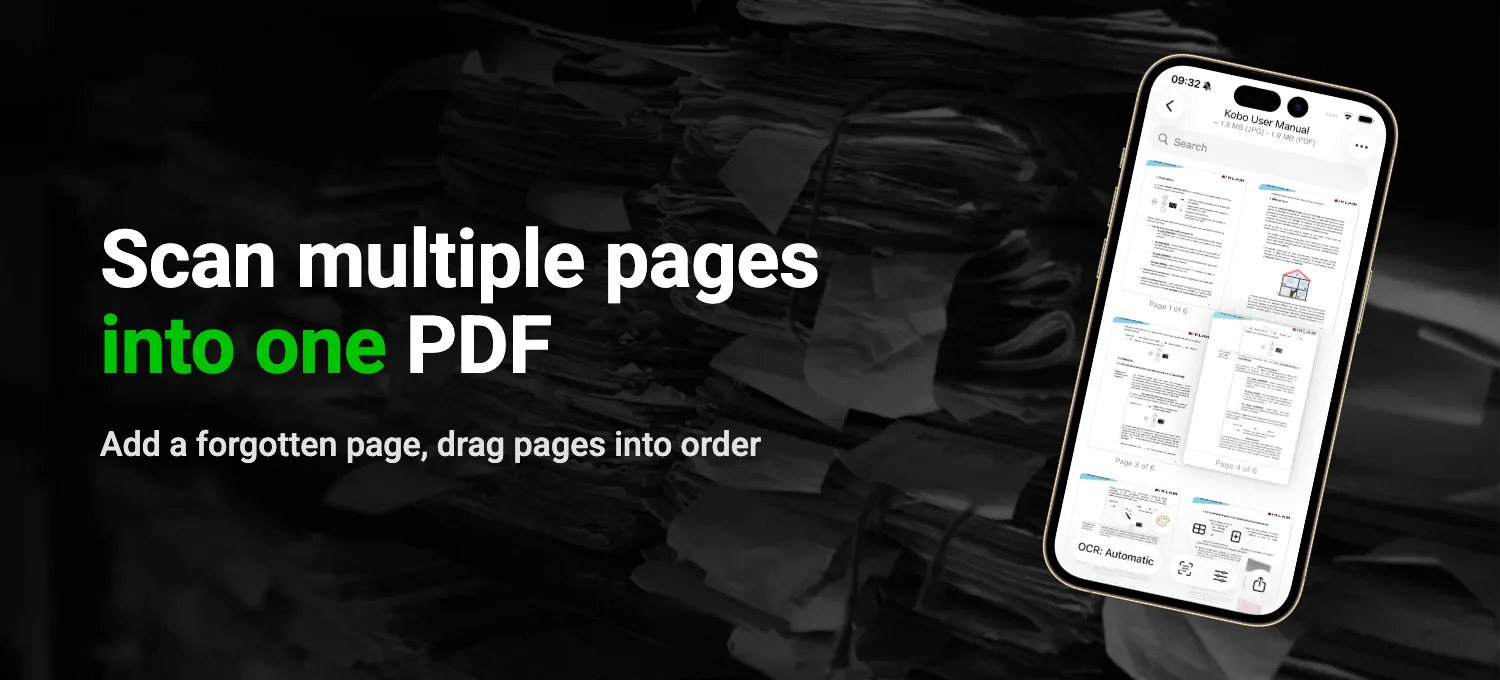
Read More about How to scan multiple pages into one PDF on iPhone
How to scan a stack of pages into one PDF, keep double-sided pages in order, add a page you forgot and merge two scans, in Preview or in QuickScan.
Guide
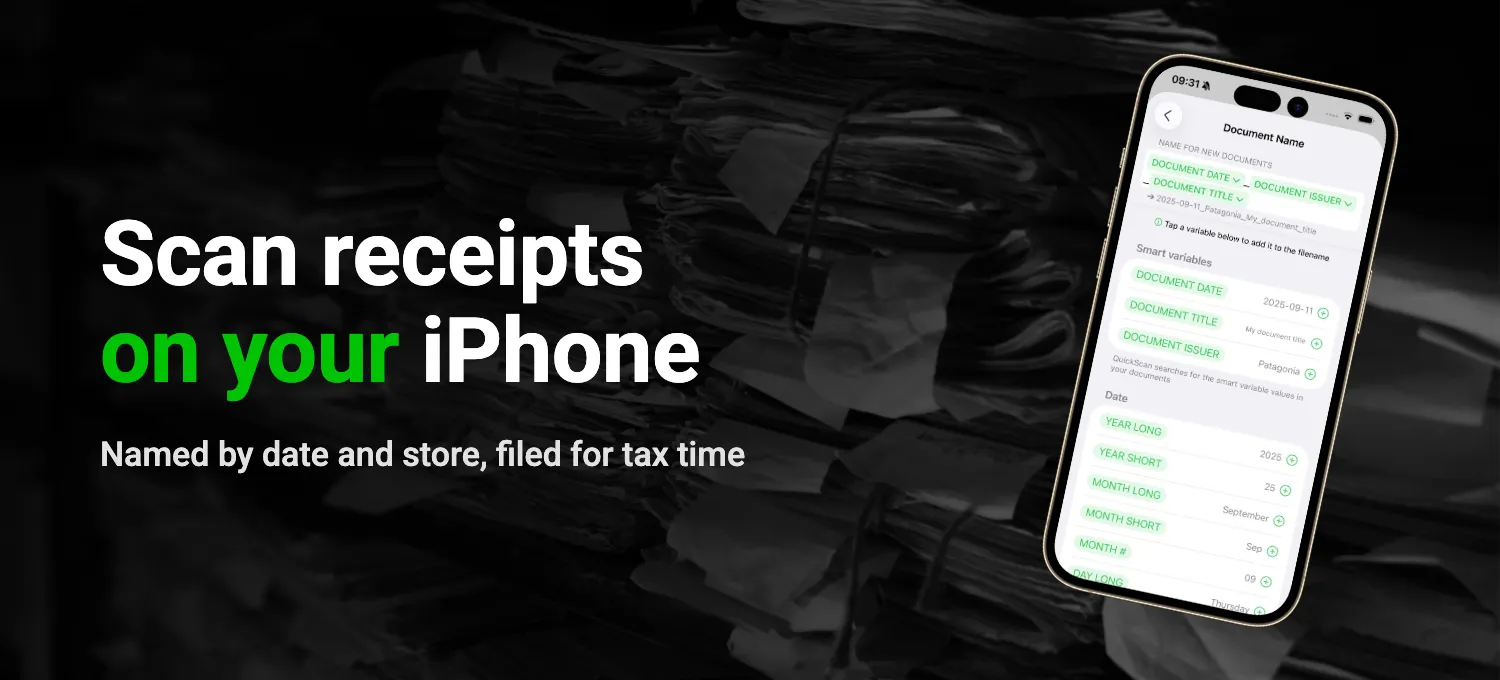
Read More about How to scan receipts on iPhone
Which receipts to keep and for how long, how to scan a curled-up thermal receipt, and how QuickScan names each PDF by date and store and files it for you.
Guide
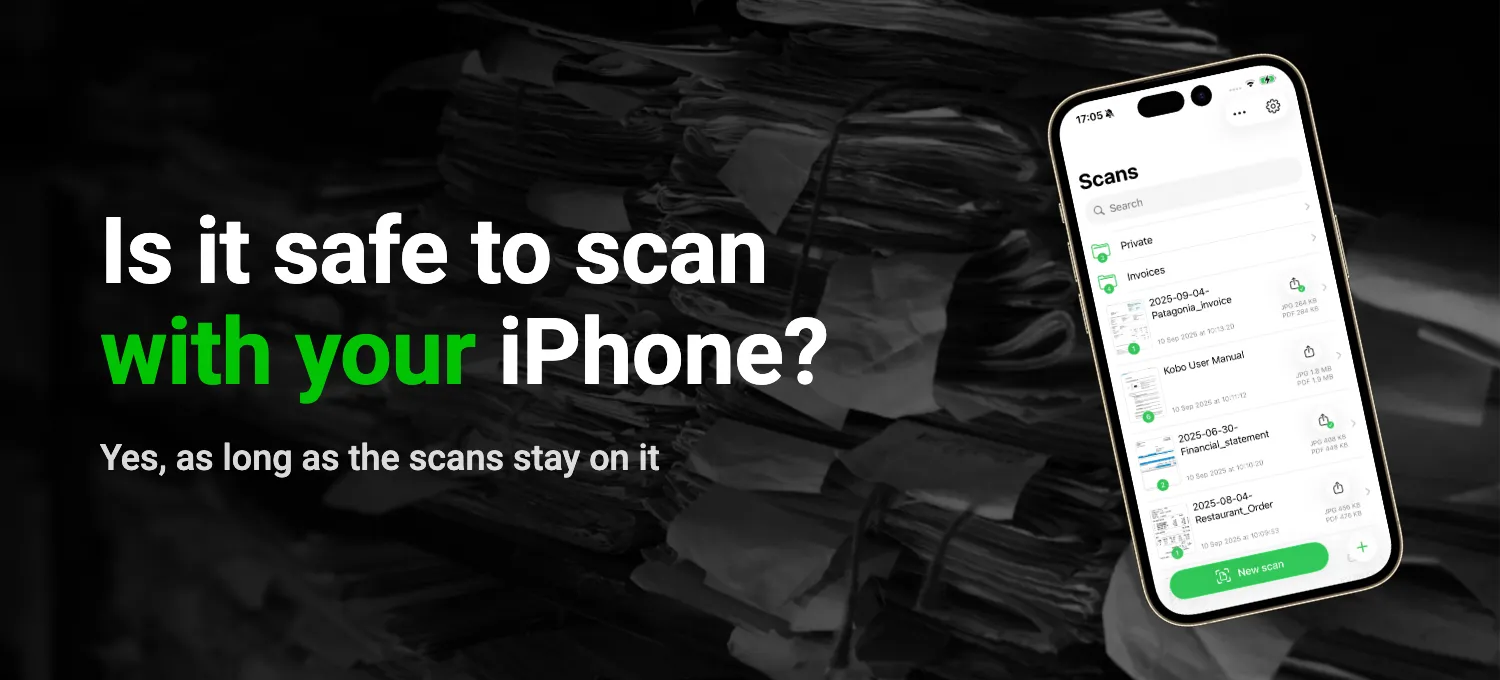
Read More about Is it safe to scan documents on iPhone?
Why it matters where text recognition happens, how to check what an app does with your scans (the App Store label, Airplane Mode, App Privacy Report), and how QuickScan keeps them on your iPhone.
Guide
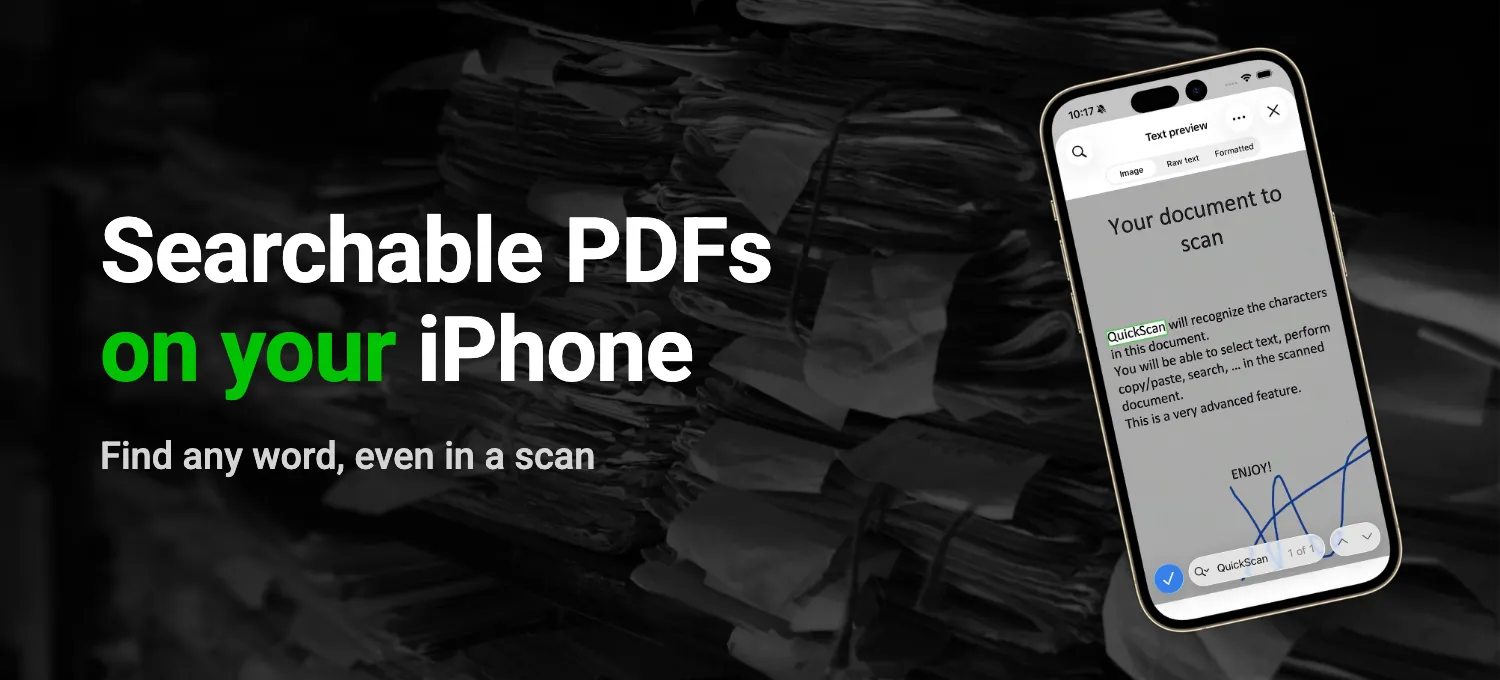
Read More about How to make a PDF searchable on iPhone
How to check whether a PDF is searchable, how to add the text with OCR in Preview on the iPhone or Mac, and how QuickScan does it as part of the export, even for a whole folder.
Guide
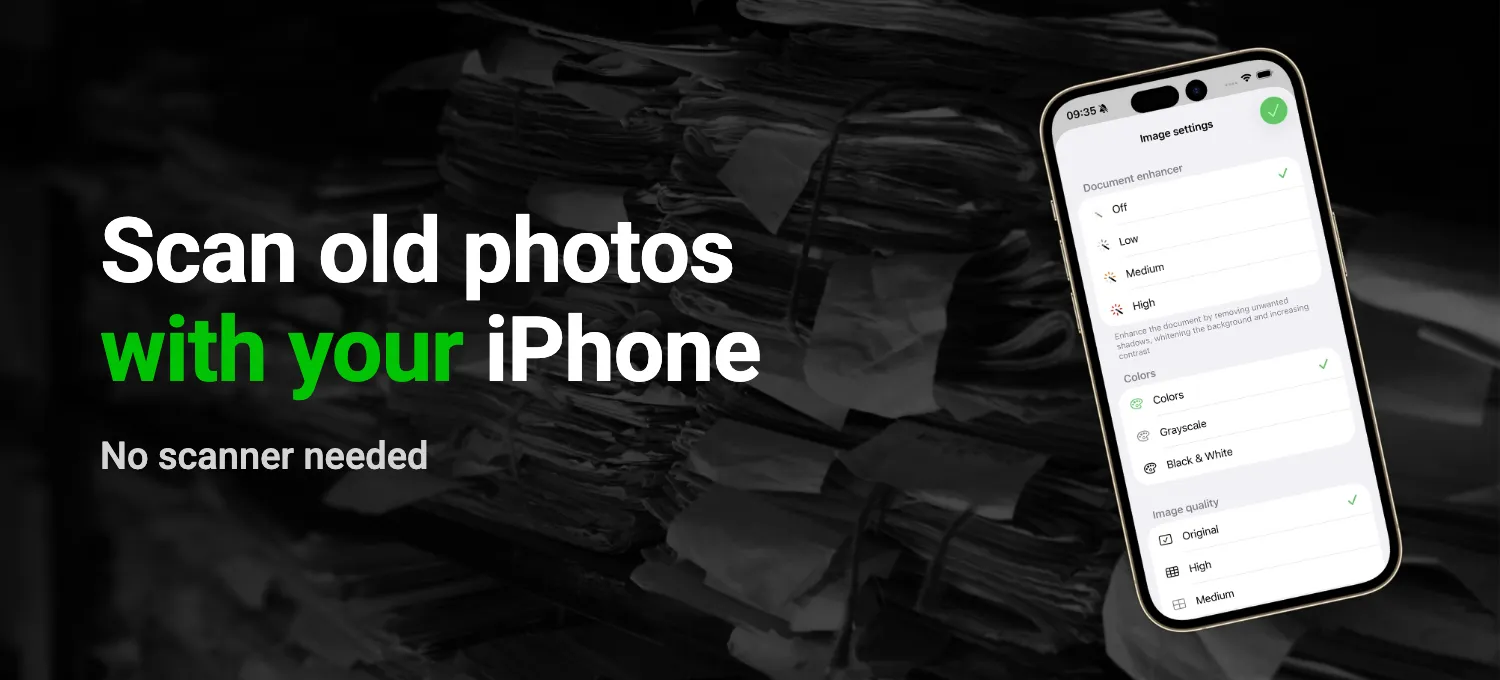
Read More about How to scan photos on iPhone
How to scan old prints without glare, with the Camera app or the scanner in Notes, and how QuickScan gets through a whole box of photos and exports them as images.
Guide
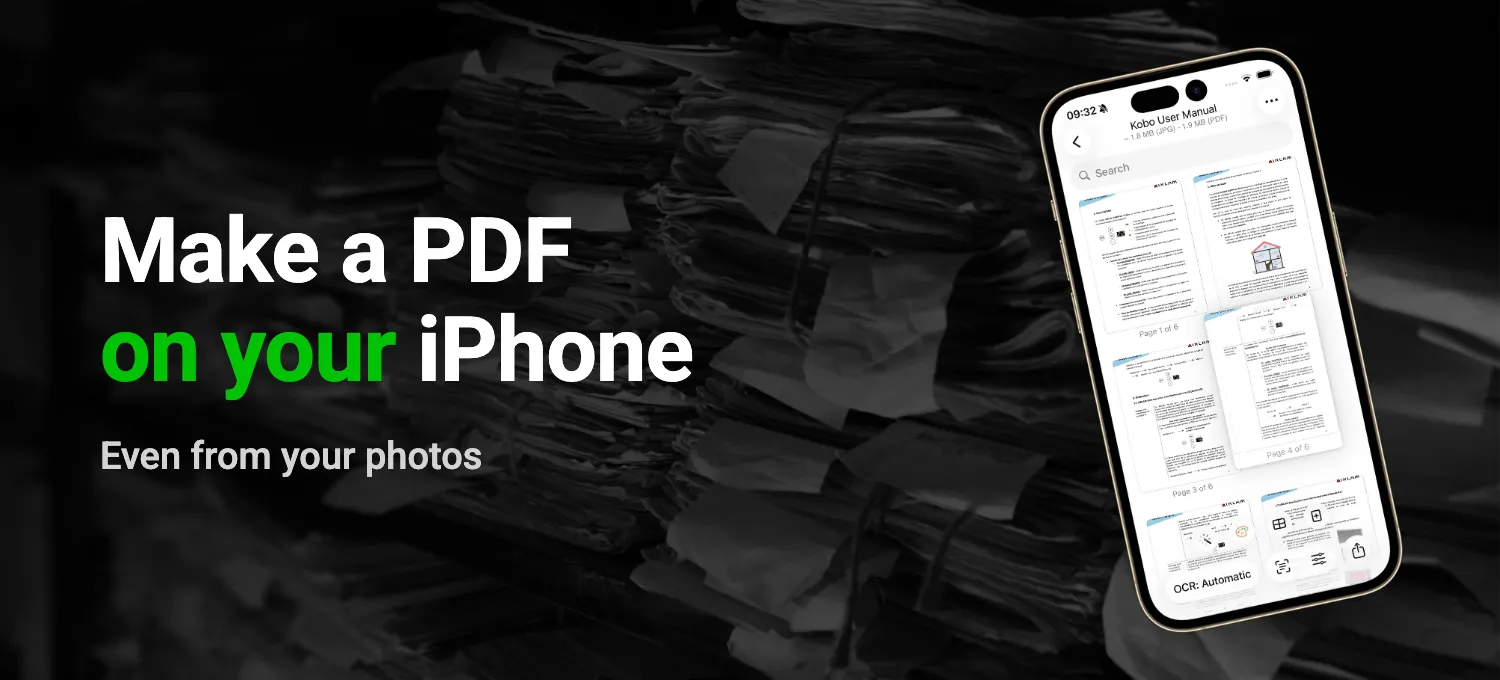
Read More about How to make a PDF on iPhone
How to turn photos into a PDF step by step with the Files and Preview apps, how to merge several PDFs into one, and how QuickScan does it straight from your photo library.
Guide
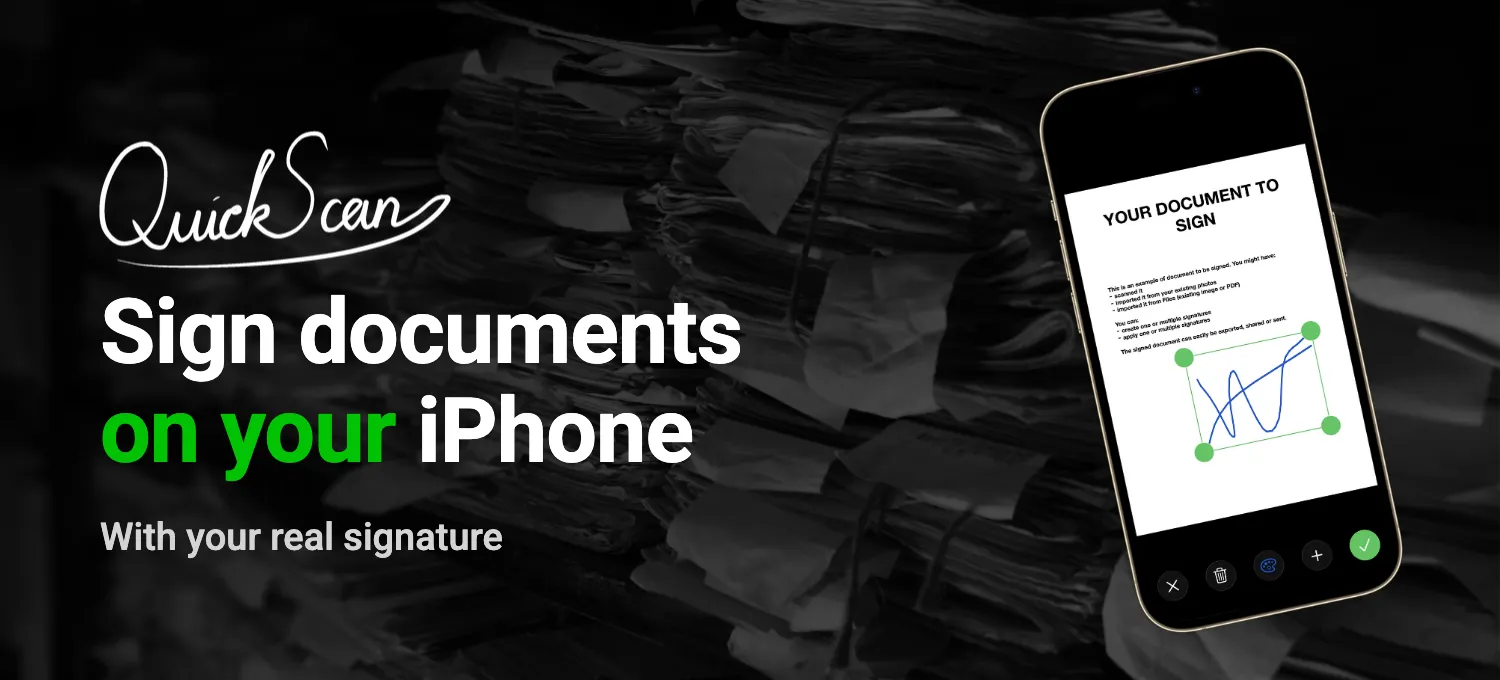
Read More about How to sign a document on iPhone
Signing a PDF or a paper document with the iPhone's own tools, step by step, and how QuickScan does it with your real signature, protected by Face ID.

Guide
Read More about How to scan documents on iPhone
The built-in scanner in Notes and Files, step by step, where it falls short, and how QuickScan names and files your scans for you.
Comparison
Read More about QuickScan vs Adobe Scan
Account, cloud upload, OCR and price compared. Why QuickScan is a private Adobe Scan alternative that keeps your scans on your iPhone.
Comparison
Read More about QuickScan vs iScanner
Price, weekly subscription, ads, tracking and OCR compared. Why QuickScan is a free, private iScanner alternative on iPhone.
Comparison
Read More about QuickScan vs CamScanner
Price, ads, tracking, OCR and cloud export compared. Why QuickScan is a free, private CamScanner alternative on iPhone.
Guide
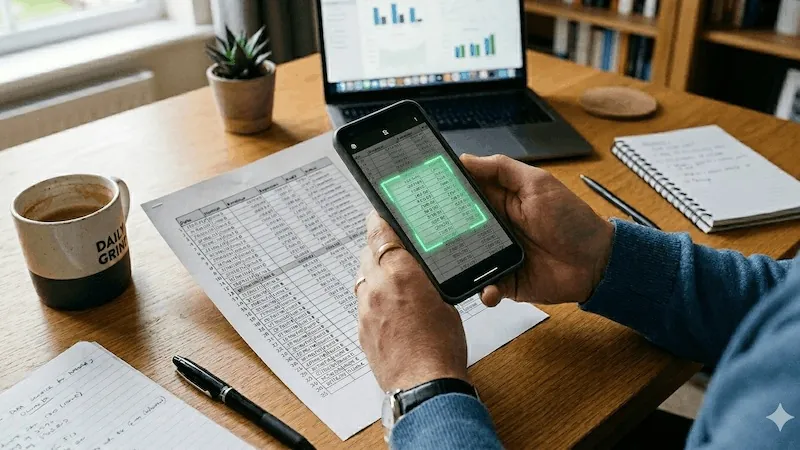
Read More about Scan to Excel & CSV on iPhone & iPad
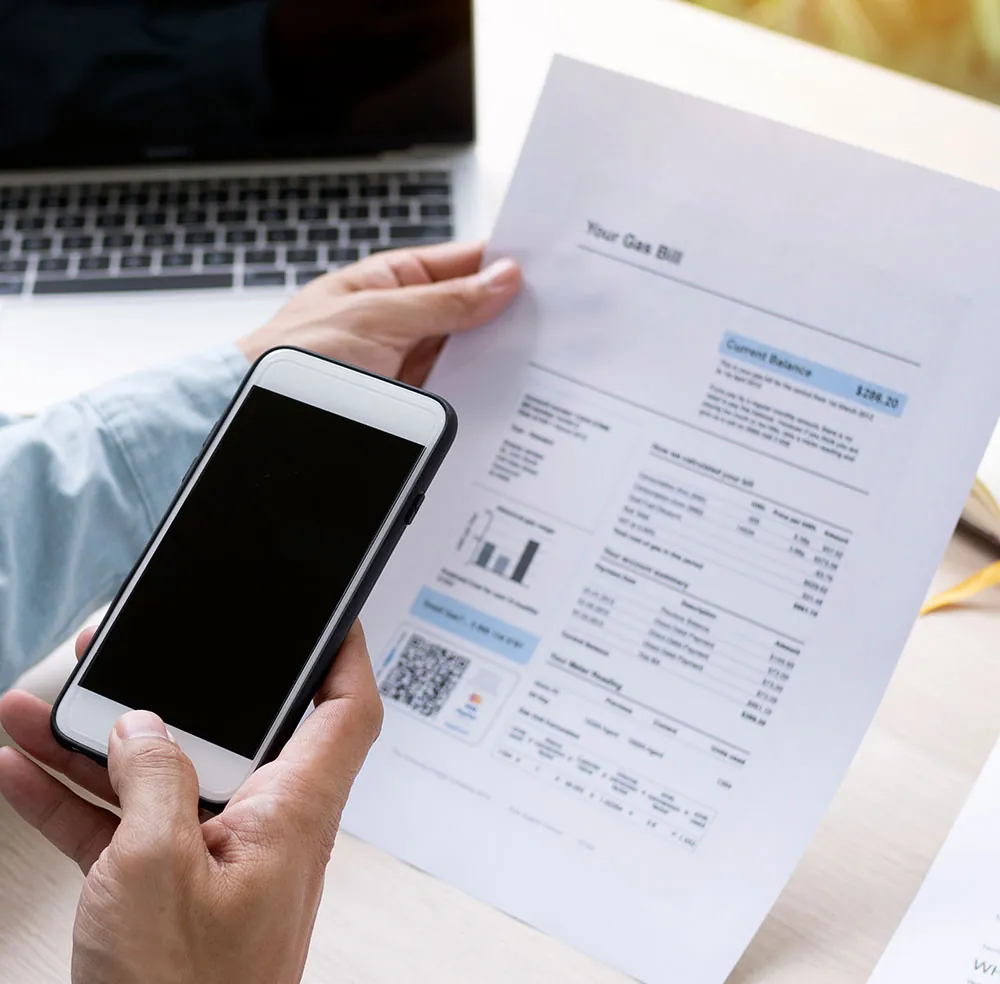
Turn any printed table into an editable spreadsheet. Scan paper invoices, receipts, and reports to Excel or CSV - entirely on-device.
Guide
Read More about Microsoft Lens alternative for iOS
Microsoft discontinued Lens on iOS. QuickScan is a free, privacy-friendly replacement with OCR, signatures, automation, and more cloud options.